Self-host with Docker Compose
This guide stands up a self-contained SupaCloud — server, web UI, and
PostgreSQL — on a single host using the standalone Compose overlay. It is
the Tier 0 evaluation / small self-hosted path: local Postgres, builtin auth,
secrets from a .env file.
1. Create your environment file
Section titled “1. Create your environment file”The standalone overlay reads secrets from .env. Start from the committed
example and edit it:
cp .env.example.standalone .envThe two values you must change before exposing anything:
| Variable | Why |
|---|---|
SUPACLOUD_JWT_SECRET |
Signs sessions. Must be at least 32 bytes of random data. |
POSTGRES_PASSWORD |
The database password (and the matching DATABASE_URL). |
Also set SUPACLOUD_INITIAL_ADMIN_EMAILS to the email that should become the
first owner. For a purely local trial, the example’s MODE=dev,
PUBLIC_URL=http://localhost:8080, and AUTH_COOKIE_SECURE=false are fine; for
anything reachable, set a real PUBLIC_URL and turn cookie security on.
2. Bring the stack up
Section titled “2. Bring the stack up”The standalone file is an overlay on the base docker-compose.yml — pass
both, base first:
-
Build and start in the background:
Terminal window docker compose -f docker-compose.yml -f compose.standalone.yml up -d --build -
Watch the services become healthy:
Terminal window docker compose -f docker-compose.yml -f compose.standalone.yml psPostgres has a health check; the server waits for it before starting and runs its migrations on boot.
The stack exposes two ports:
| Service | URL | Purpose |
|---|---|---|
| Web UI | http://localhost:3001 |
The operator console you sign in to. |
| Server API | http://localhost:8080 |
The HTTP + Management API the UI calls. |
3. Sign in as the initial admin
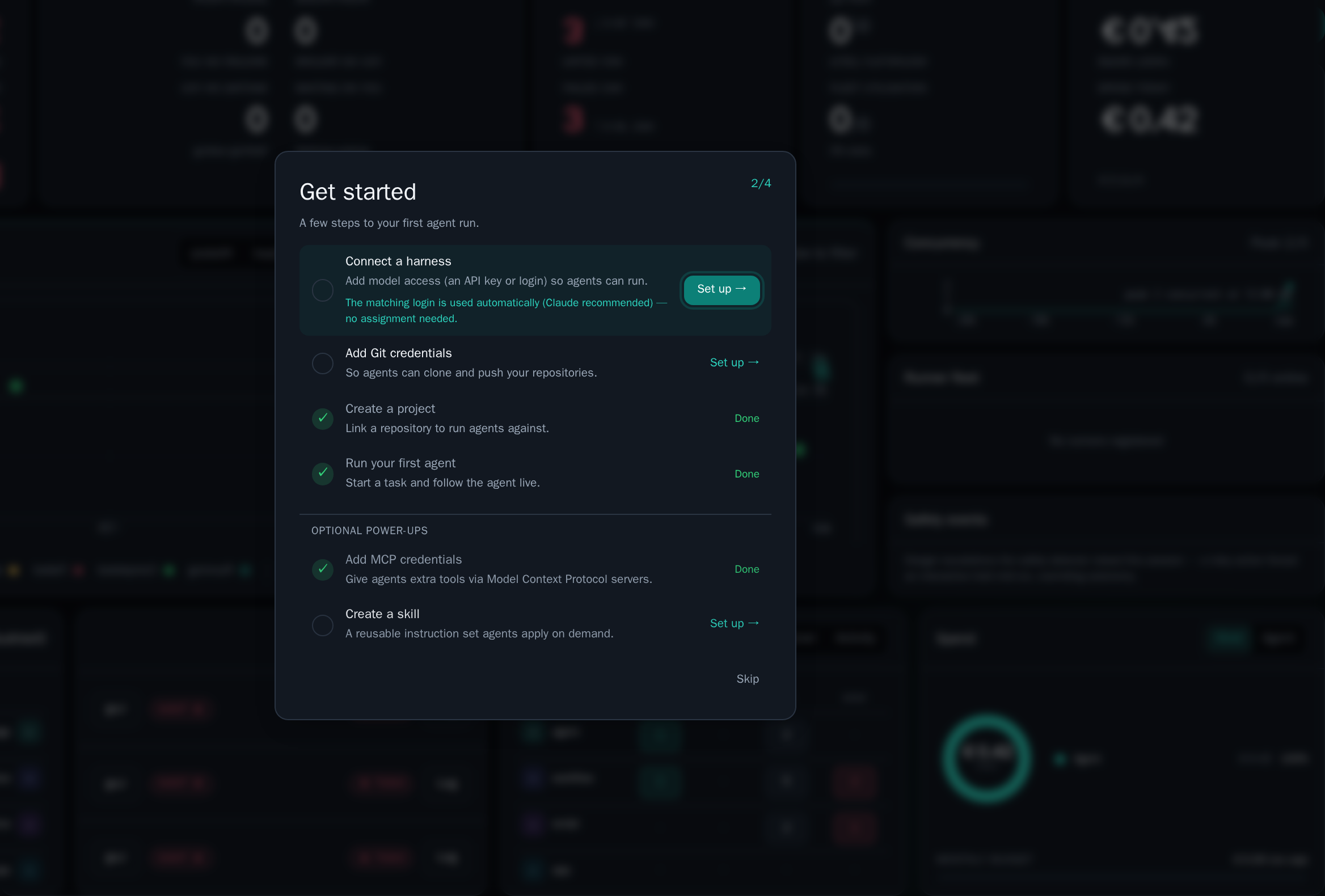
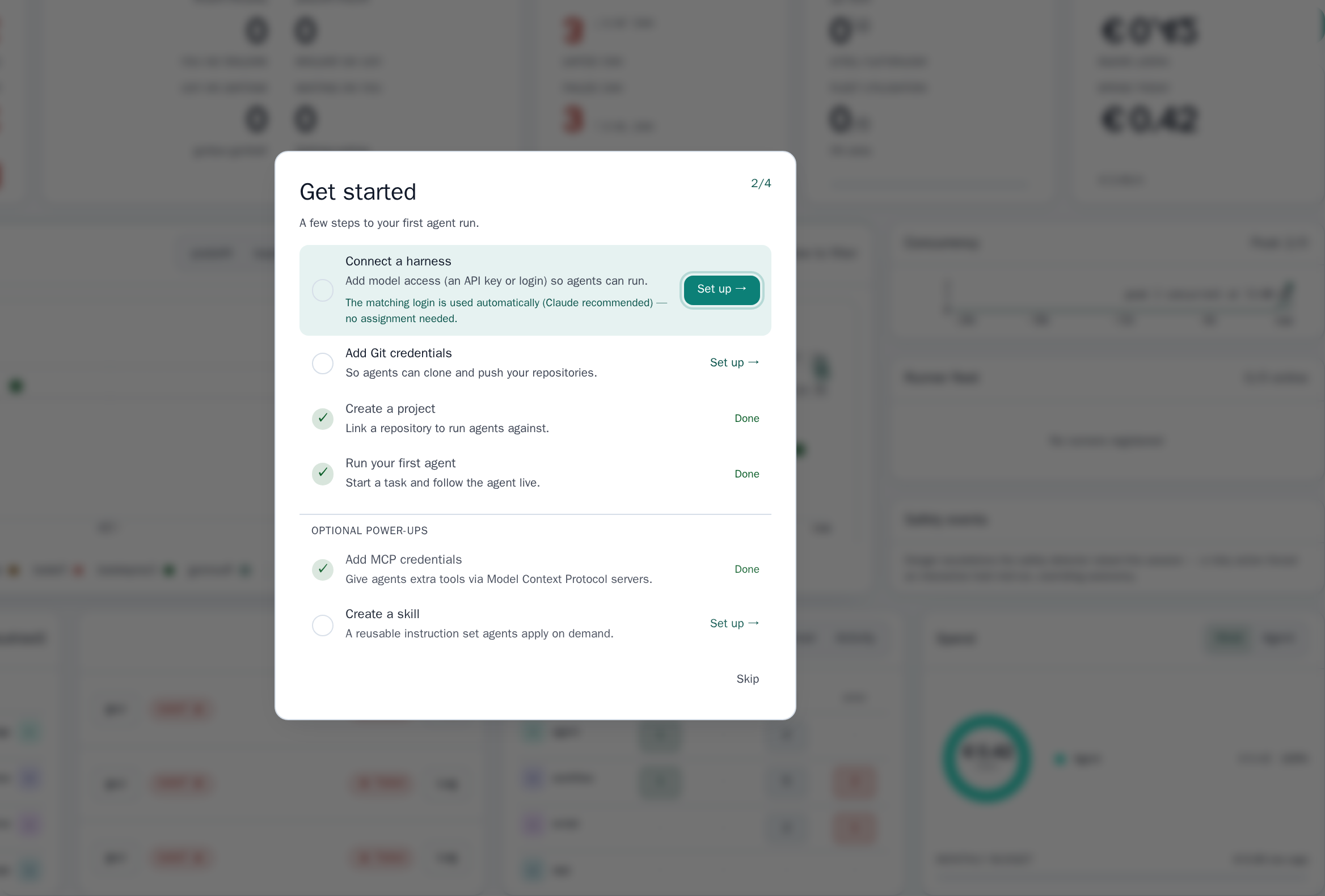
Section titled “3. Sign in as the initial admin”Open http://localhost:3001 and sign in with the address you set in
SUPACLOUD_INITIAL_ADMIN_EMAILS. With builtin auth, that email is provisioned
as the owner of a personal organization and its first workspace. You should land
on the cockpit:
From here, follow Your first agent run.
4. Operate the stack
Section titled “4. Operate the stack”# Tail logsdocker compose -f docker-compose.yml -f compose.standalone.yml logs -f server
# Stop (keeps the postgres-data volume)docker compose -f docker-compose.yml -f compose.standalone.yml down
# Stop and delete datadocker compose -f docker-compose.yml -f compose.standalone.yml down -vDatabase state lives in the postgres-data volume, so a plain down/up keeps
your workspaces, runs, and secrets.
Next steps
Section titled “Next steps”- Environment variable reference
- Secret provisioning — moving secrets out
of
.envand into OpenBao for larger deployments.